You want to get your message out there, “leverage your resources” and “do more with less”. But the idea terrifies you and your more afraid of making yourself look bad than the good you can achieve. We get it.
We are here to help.
In the next few weeks, we are going to offer suggestions for helping you put your best foot forward when creating a webinar. We have pulled together information about why you should do webinars and we have examples of people doing it right.
We also have expert Sharon Burton who has put together two on-demand webinars for us talking about what you need to do to deliver the best webinar possible. We’ll conclude with tips on using social media to help you spread the word about your event and create a long tail of engagement should you decide to post a recording.
Using WebEx gives you an audience.
If you use WebEx to deliver your webinar, you get some extra bang for your efforts. With WebEx Channels, you can post your recording -- along with handouts -- to extend your reach and connect with the WebEx network.
The beach. An airport. The car. What do these places have in common? They’re all places you can hold a meeting.
As workforces become increasingly mobile, WebEx is the tool that more and more customers (and partners) use to ensure that productivity doesn’t decrease just because you’re not at the office.
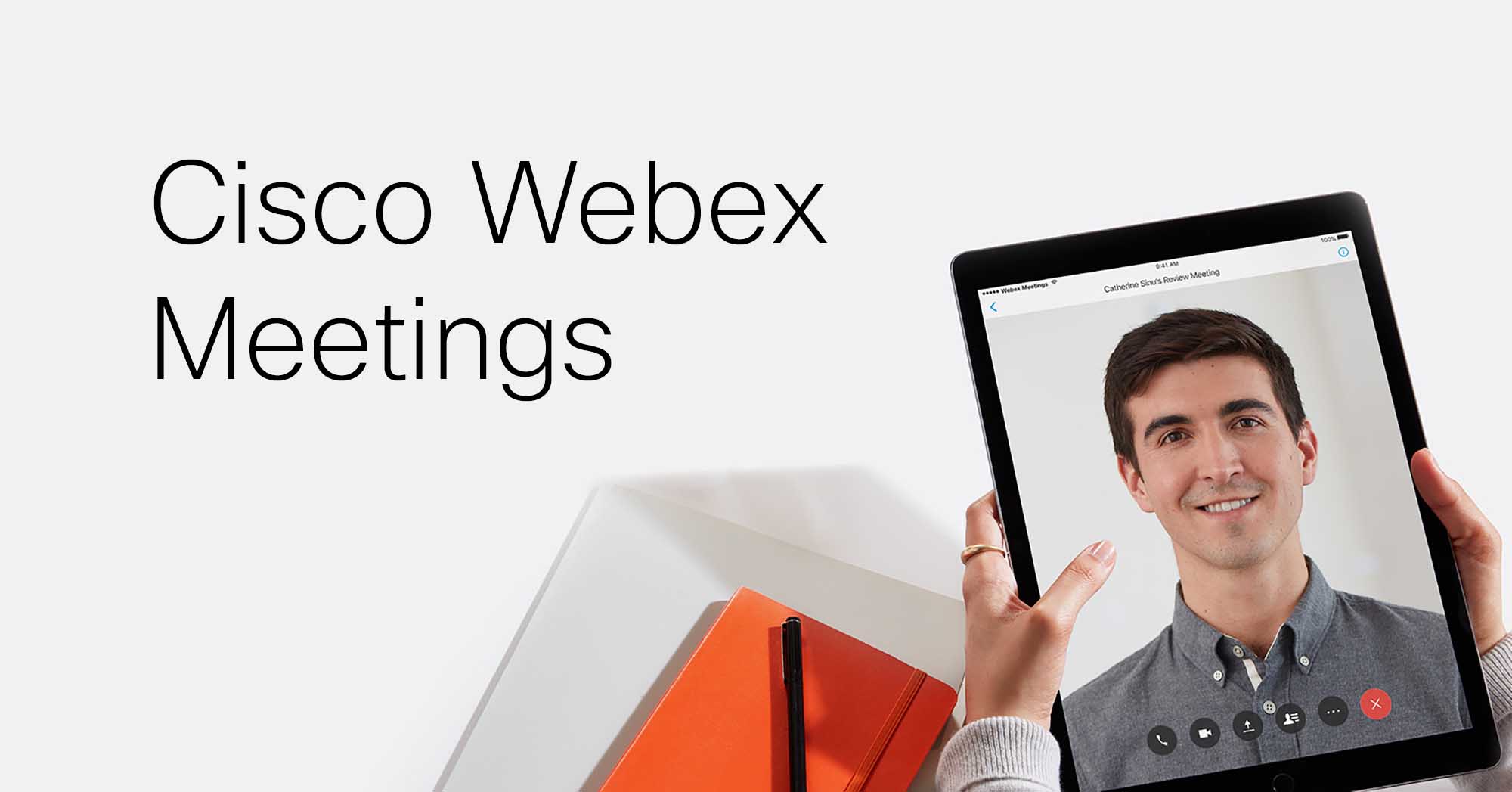
And now, with a new beta version of Cisco WebEx Meetings and a free trial for partners, the possibilities are endless. By integrating all of the collaboration tools and tasks you need for your meetings, you can now host your team meetings from your car, attend a sales forecast presentation from the airport, or share slides from the beach. Having the flexibility to work with your colleagues, even when you can’t be at work, allows you to maintain productivity and collaborate more effectively.
Watch this video to see how Cisco WebEx Meetings can help you collaborate more effectively.
A convenient tool like this must come with a hefty price tag, right? Wrong! For a limited time only, Cisco WebEx Meetings beta is being offered to partners free of charge until the product becomes generally available.
Keep reading to find out how you can get Cisco WebEx Meetings beta for free and check out the great ways you can share ideas and materials before, during, and after your meeting. Read More »
Sixteen teams in different locations participated in this year’s NBA Development League Draft using Cisco WebEx as their connection to players and coaches to see and be seen! From California to Texas, to Nevada to Maine, everyone was connected either by computer or mobile device to experience the excitement of the draft.
The draft was held on November 3, 2011. It was a two hour event with eight rounds and a total of 128 picks. Participants joined WebEx from their homes, office and a few were at draft parties in restaurants. Those with webcams were able to share their reactions while others could watch from their computer or mobile phones -- even iPads!
If you hate meetings, you are not alone. In a recent study conducted by Cisco WebEx, we found 9 out of 10 workers would prefer to interact in any other way than attend a meeting, yet we spend more time in meetings than any other form of interaction (click Read More to see the infographic). Read More »
Freelancing can be a great way to work. You don’t have to live by corporate edicts, you have the freedom to choose your work (well, at least you like to pretend you do -- any freelancer knows you rarely turn down an assignment!) and you can work when and where you like.
Of course, there are challenges: getting work, keeping clients and figuring out how to collaborate in an efficient way. As any freelancer knows, time is money and driving to see clients can burn a good chunk of a day that could otherwise be used to get the work done!
Being a freelancer is already hard enough made even harder by adding new tasks and complicated operations when it comes to contacting, interacting and communicating with others. But the truth is that freelancers know better than anyone else what collaboration is all about, because being a freelancer means having to co-work with others, whether they are clients, customers, providers, etc, you always need to send files, emails, manage contacts, share, . Obviously, there’s a need to count on reliable tools and resources to work, but how about the planning and strategy to make it easier?
I’m surprised by how many freelancers collaborate in a very intuitive way, without even noticing they are doing so, they simply call it work. But knowing that you are “collaborating” could probably help you understand why sometimes things go wrong, why communication fails, why organizing tasks seems sometimes like an impossible issue to get resolved in time.
We want to help you collaborate effectively.
Using online meetings can save you tons of time. You don’t have to travel and you can meet with anyone who has a computer or internet device (think phone, iPad, etc.).You can use your webcam to make the meeting personal and share drafts, thumbnails, and more because online meetings let you show whatever is on your computer to your participants. And they can share too.
Maybe the best thing for freelancers is Read More »